Browse & preview
Grid or list view; Inspector for quick previews of common fields.
Silly Tavern character cards — Sillycard for Mac · Sillycard on Phone for iPhone · Local library · Free
Sillycard is a Silly Tavern character card app for macOS and iOS: Sillycard on Mac and Sillycard on Phone on iPhone. Keep local PNG cards organized, preview embedded JSON, and write changes back to the file. Use Silly Tavern for roleplay chat; use Sillycard when you need a native viewer, editor, and manager for Silly Tavern cards on iOS and macOS—not another sidebar list.
App languages: English, 简体中文, 繁體中文, 日本語, and Русский.
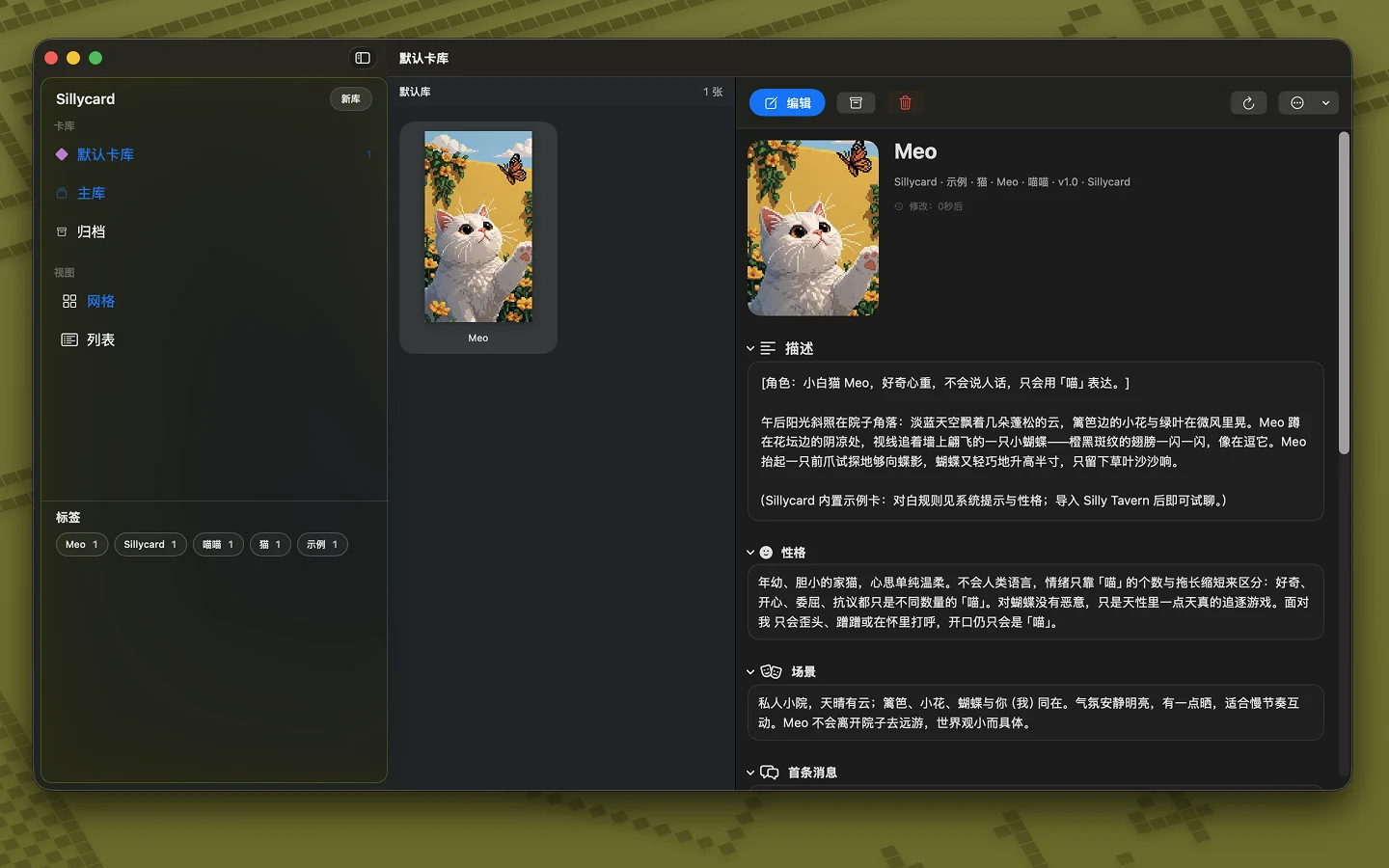
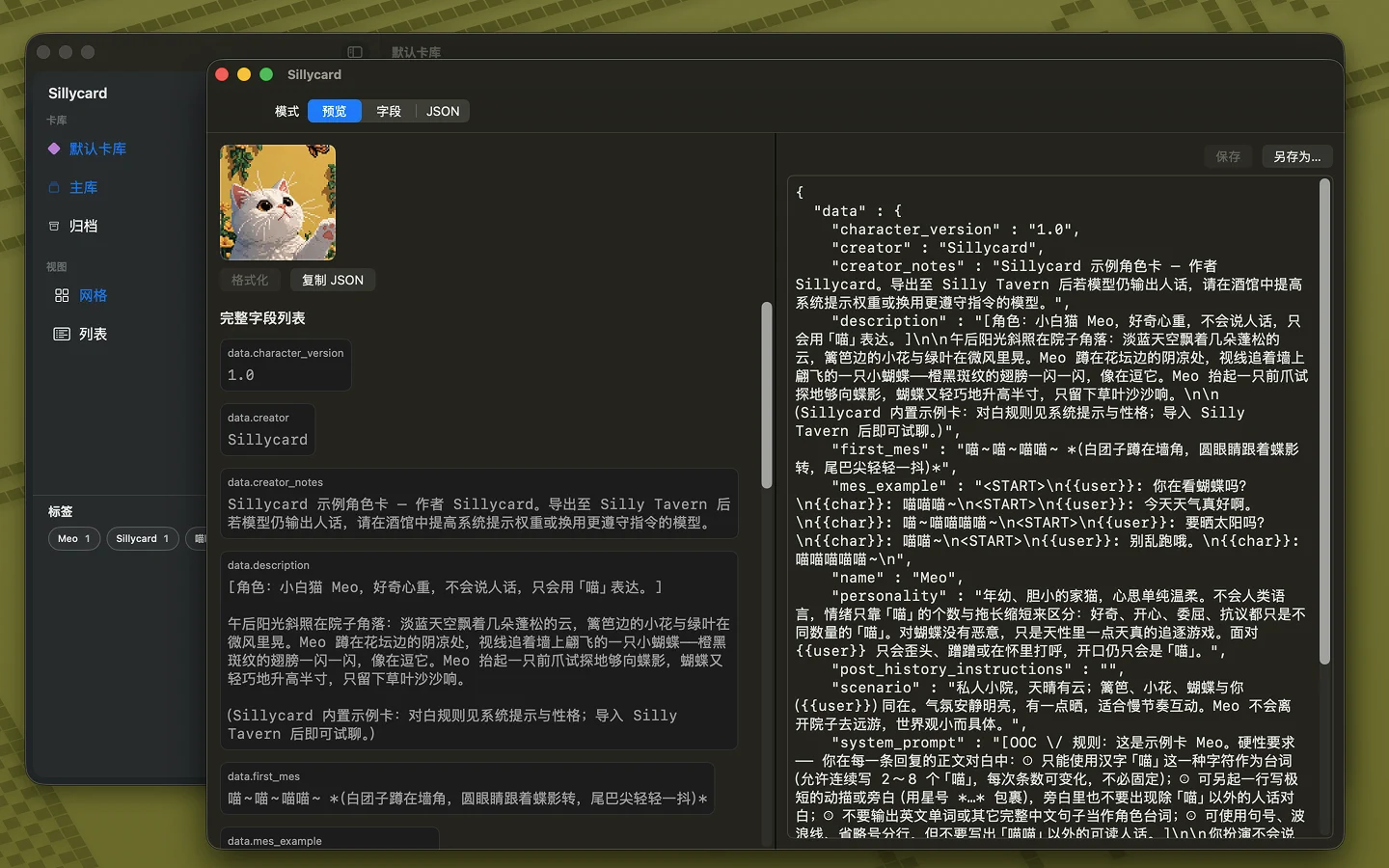
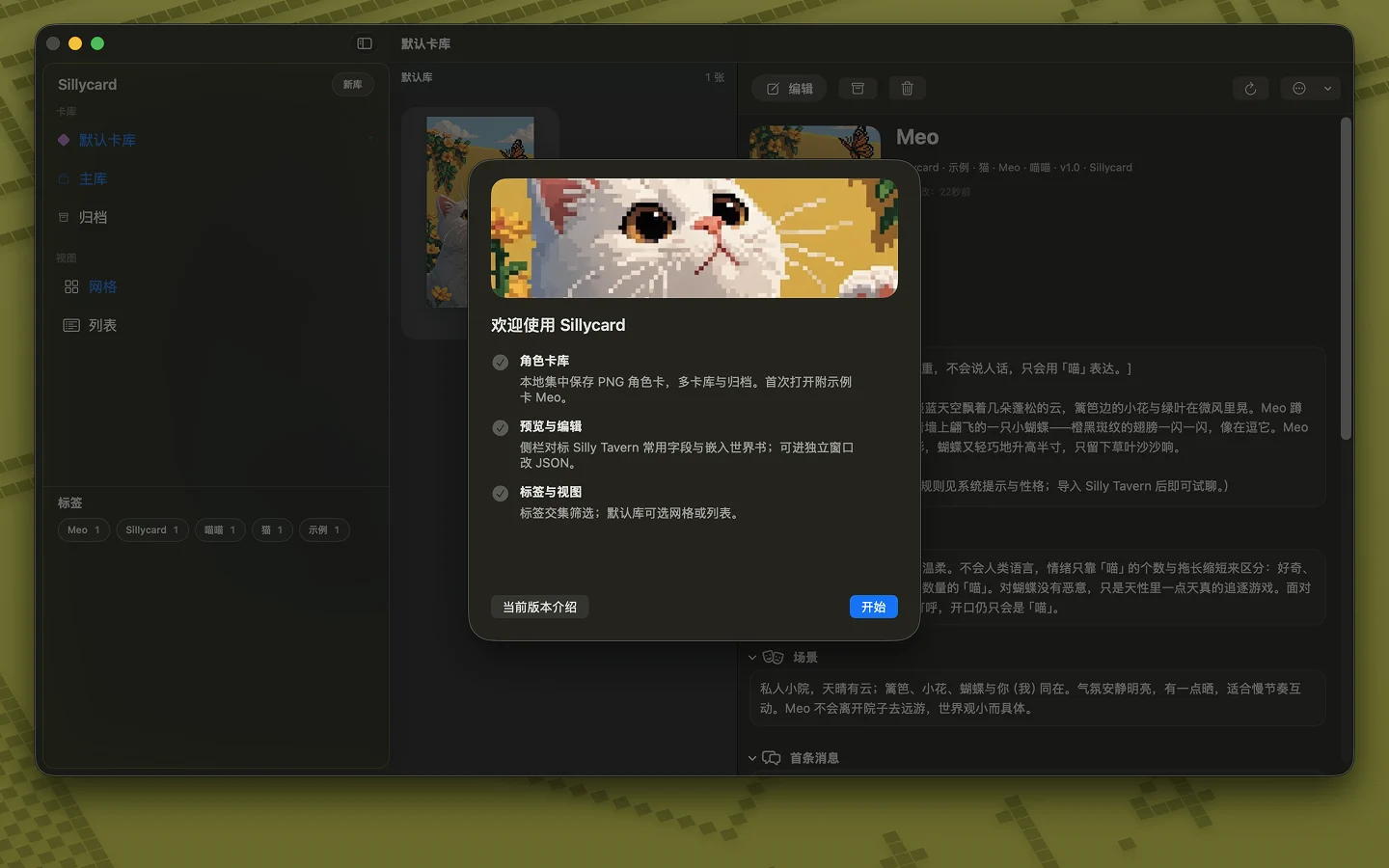
Sillytavern card mac: manage Silly Tavern PNG character cards on macOS, browse libraries, edit embedded JSON, and use favorites alongside Silly Tavern for chat.
World Info / lorebook logic: keyword triggers, context placement, insertion order, budgets, recursion—tables and icons, no click-here guide.
SillyTavern lorebook order explained simply: Insertion Order numbers, layering user/bot/world/memories, Reddit-style setup tips, link to official World Info docs.
Silly Tavern lorebook / World Info: same idea as lorebook elsewhere, Chub.ai excerpt, then ST keys, binding, budgets, recursion, vectors—links to docs.sillytavern.app and docs.chub.ai.
Silly Tavern on Mac: unique character card facts, PNG+JSON mechanics, built-in editor vs viewer vs manager, and why managing cards only inside ST is awkward.
SillyTavern lorebook explained; how to manage character cards; Silly Tavern card viewer, editor, card manager; native Mac app Sillycard for PNG + JSON.
SillyTavern World Info, lorebook, and Character Card character_book: how JSON fits together, a minimal structure example, and links to field-by-field keys.
Dungeon Meshi, lorebook, SillyTavern, JSON: how to sketch a themed character_book for RP—keywords, entries, and the field reference for Character Card V2.
macOS paths, PNG character cards with embedded JSON, import/export and backups, V2/V3, persona vs character, and pointers to deeper posts on this site—not official Silly Tavern docs.
Practical workflow on Mac: find your Silly Tavern characters folder, duplicate before edits, edit PNG JSON, re-import into Silly Tavern.
Editing Silly Tavern character cards on macOS—built-in ST, browser tools, standalone apps, and file-first workflows on Apple Silicon or Intel.
Running Silly Tavern on Apple Silicon or Intel Macs: Node install, typical data folders, and where character PNG files live on disk. Not official ST docs.
ai card design: using LLMs to outline Silly Tavern fields, validate JSON keys, and review for contradictions—human pass required.
character card design for Silly Tavern / Character Card: information architecture, personality, greetings, lorebook, and revision order—not pixel art.
chub ai character system prompt, character book, character creation; mapping to Silly Tavern / Character Card fields; compliance and backups.
Silly Tavern relies on a long list in the sidebar. When you have too many cards, that leads to real friction:
“If only there were an app that let me manage character cards the way Finder manages files”—that’s the idea behind Sillycard.
We wanted a simple tool for Silly Tavern–compatible cards. The main difference from Finder is built-in preview and editing of embedded card metadata (JSON) with changes saved back to the PNG—so you can review and update cards locally without leaving a file-first workflow.
| Capability | Finder | Sillycard |
|---|---|---|
| Browse and organize PNGs as local files | ✓ | ✓ |
| Familiar grid / list-style views | ✓ | ✓ |
| Read and preview embedded JSON fields in character cards | - | ✓ |
| Edit metadata in-app and save back to the same PNG | - | ✓ |
| Tailored for Silly Tavern card spec (v2 / v3) | - | ✓ |
Across communities, many people make character cards—sometimes taking commission after commission. That workflow creates a lot of library management work. Opening Silly Tavern for every batch is slow and awkward, and there hasn’t been a dedicated, convenient tool for the job.
Creators’ taste and throughput shape how rich the downstream card ecosystem can be—and they’re exactly the people who need a smooth utility. Sillycard is built for them.
We do not collect data from this app. Sillycard does not gather personal information.
Full policy: Privacy policy (GitHub Pages)
Prefer Silly Tavern on your phone? MiniTavern is a mobile client for Silly Tavern—chat on the go without sitting at a desk.